
Transform Your Audio into Sheet Music, MIDI & MusicXML
Professional audio-to-notation conversion powered by advanced AI technology. Upload your recordings or YouTube video link and instantly receive accurate MIDI, MusicXML, and PDF sheet music files.
How It Works
1. Upload Audio
Upload your piano audio or video, or paste a YouTube link
2. AI Processing
Advanced AI transcribes notes, rhythms & timing
3. Download Files
Get MIDI, MusicXML & PDF sheet music instantly
Available on iOS
Explore Our Other Music Apps
Powerful tools for musicians, composers, and music enthusiasts

eMusicTeacher
Interactive LED piano learning system. Learn to play piano with visual guidance and real-time feedback on your iOS device.
Download
Score2MIDI
Convert any sheet music into playable MIDI files. Perfect for practice, composition, and digital music production.
Try Now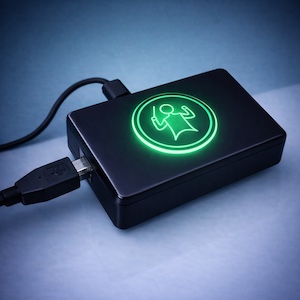
eMusicTeacher Device
LED piano controller device that syncs with the iOS app. Transform your piano into an interactive learning system with visual LED guidance.
Learn More